Beautifully Designed Notion Templates
Discover stunning Notion templates that help you organize your life, track goals, and bring clarity to your daily routine. Transform your productivity with our expertly crafted templates.
6/15/20268 min read
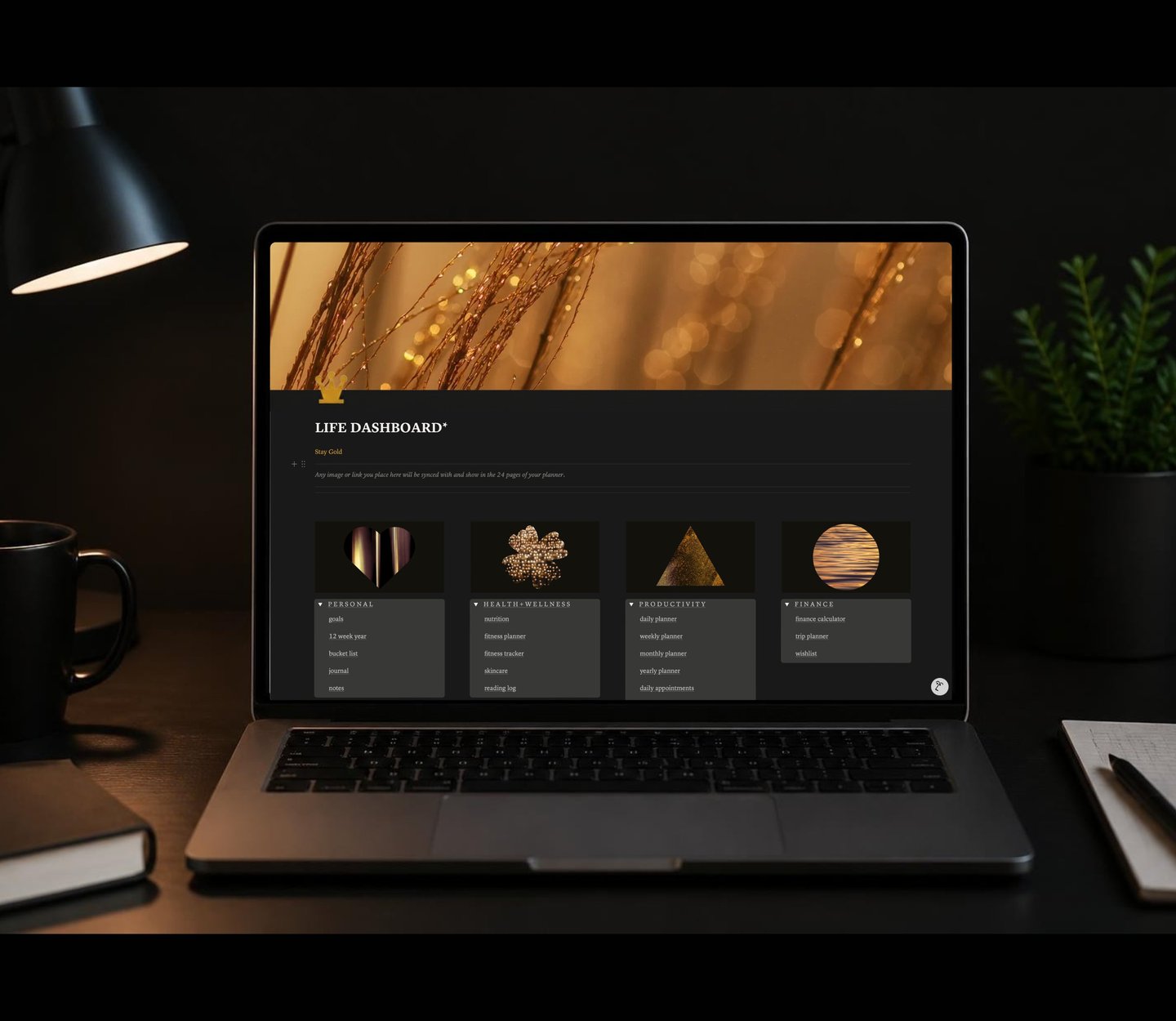
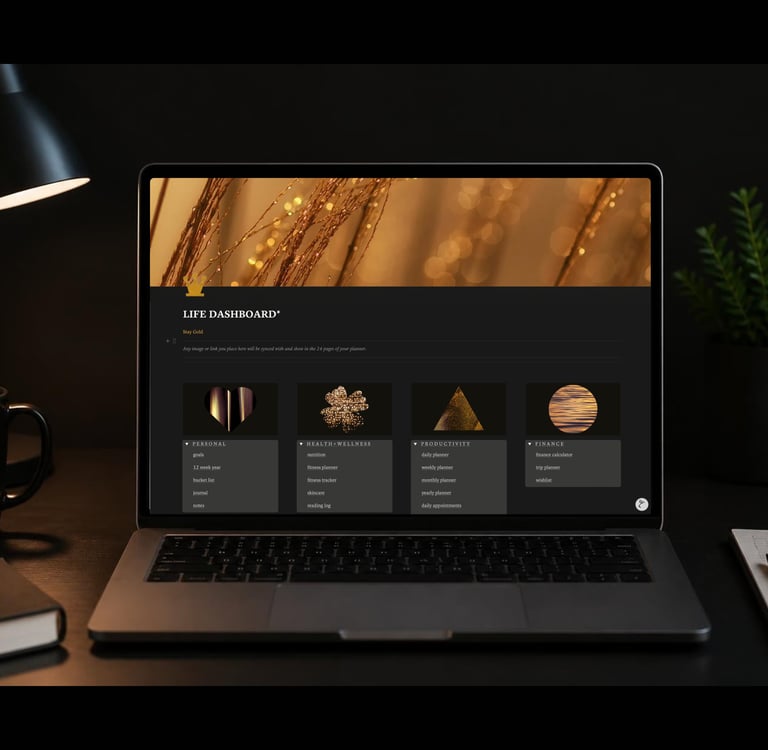
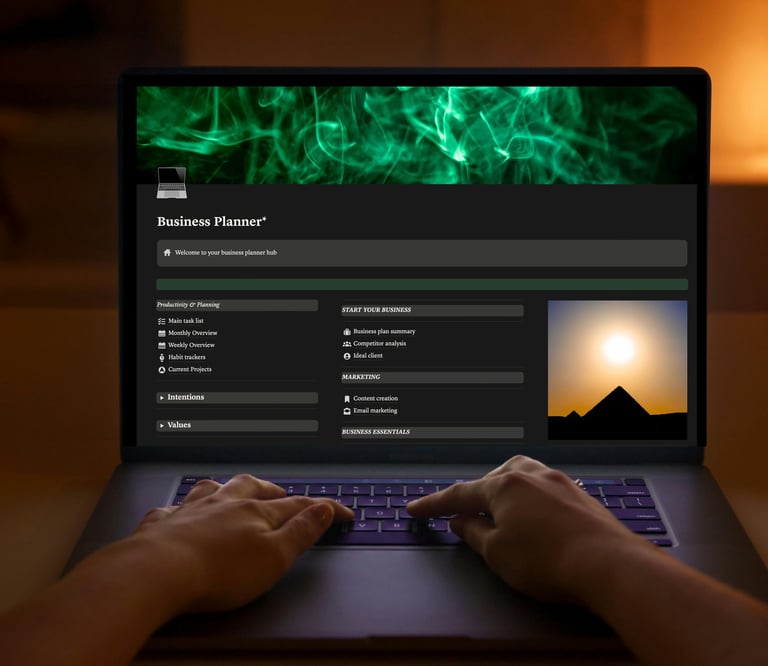
The dashboard is where everything begins. Not just your day, but your relationship with organization itself. A well-designed Notion dashboard becomes the digital environment you return to each day, the space where scattered thoughts find structure and intentions transform into actions. The right notion dashboard templates don't simply organize information, they create a visual rhythm that supports clarity, reduces decision fatigue, and honors the way you naturally think.
The Architecture of an Effective Dashboard
Every dashboard serves a purpose beyond mere functionality. It establishes the tone for how you engage with your plans, your projects, and ultimately yourself.
What Distinguishes Thoughtful Dashboard Design
The difference between a cluttered Notion page and an effective dashboard lies in intentional curation. A thoughtful template anticipates your needs without overwhelming your field of vision. It displays what matters today while keeping tomorrow accessible.
The most effective notion dashboard templates balance information density with visual calm. They recognize that productivity isn't about seeing everything at once, it's about accessing the right thing at the right moment.
Many users discover personal dashboard templates through Notion's official gallery, which offers various approaches to organizing daily routines and tracking personal goals. These templates provide excellent starting points, though customization remains essential for creating a space that truly reflects your workflow.
Dashboard Categories for Different Life Seasons
Your needs shift as your life evolves. The dashboard that served you as a student won't necessarily support you as a freelancer, parent, or creative professional.
Personal Life Dashboards
Personal dashboards center your private world. They track the habits you're building, the books you're reading, the goals that exist outside professional achievement. These spaces become digital sanctuaries where self-discovery and daily logistics coexist.
A comprehensive personal dashboard typically includes:
Morning routine checklist or ritual tracker
Current focus areas or quarterly intentions
Wellness metrics (sleep, movement, mood)
Personal projects in various stages
Reflection prompts or journal entry access
Inspiration collection or vision board elements
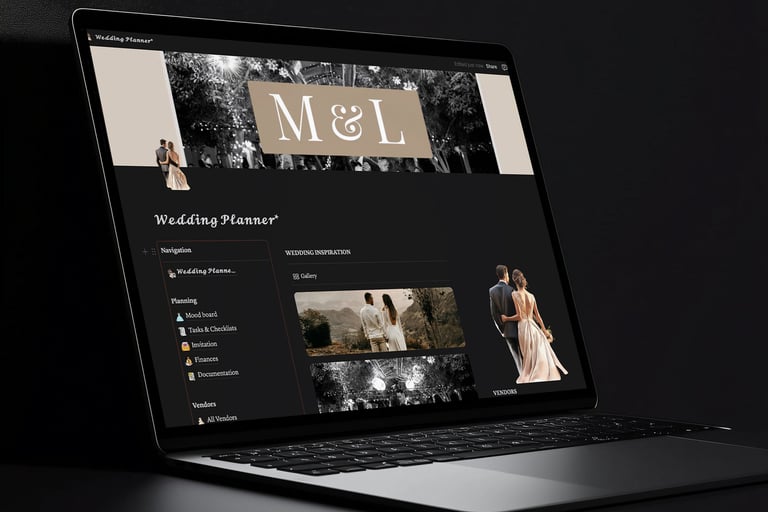
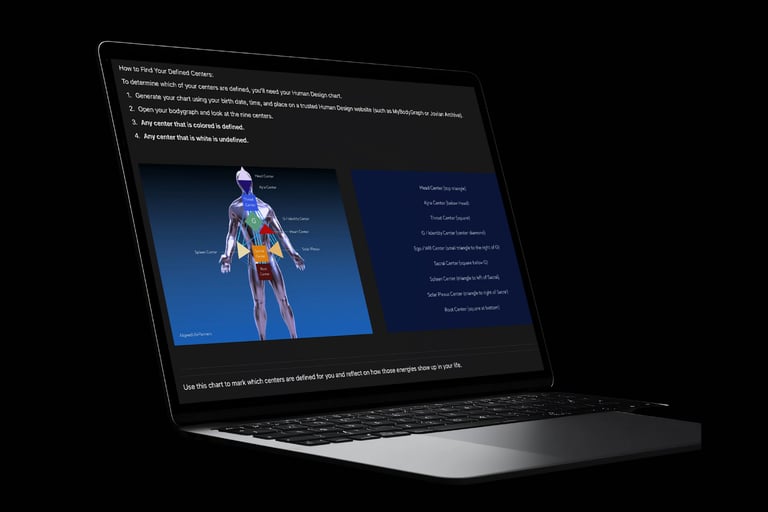
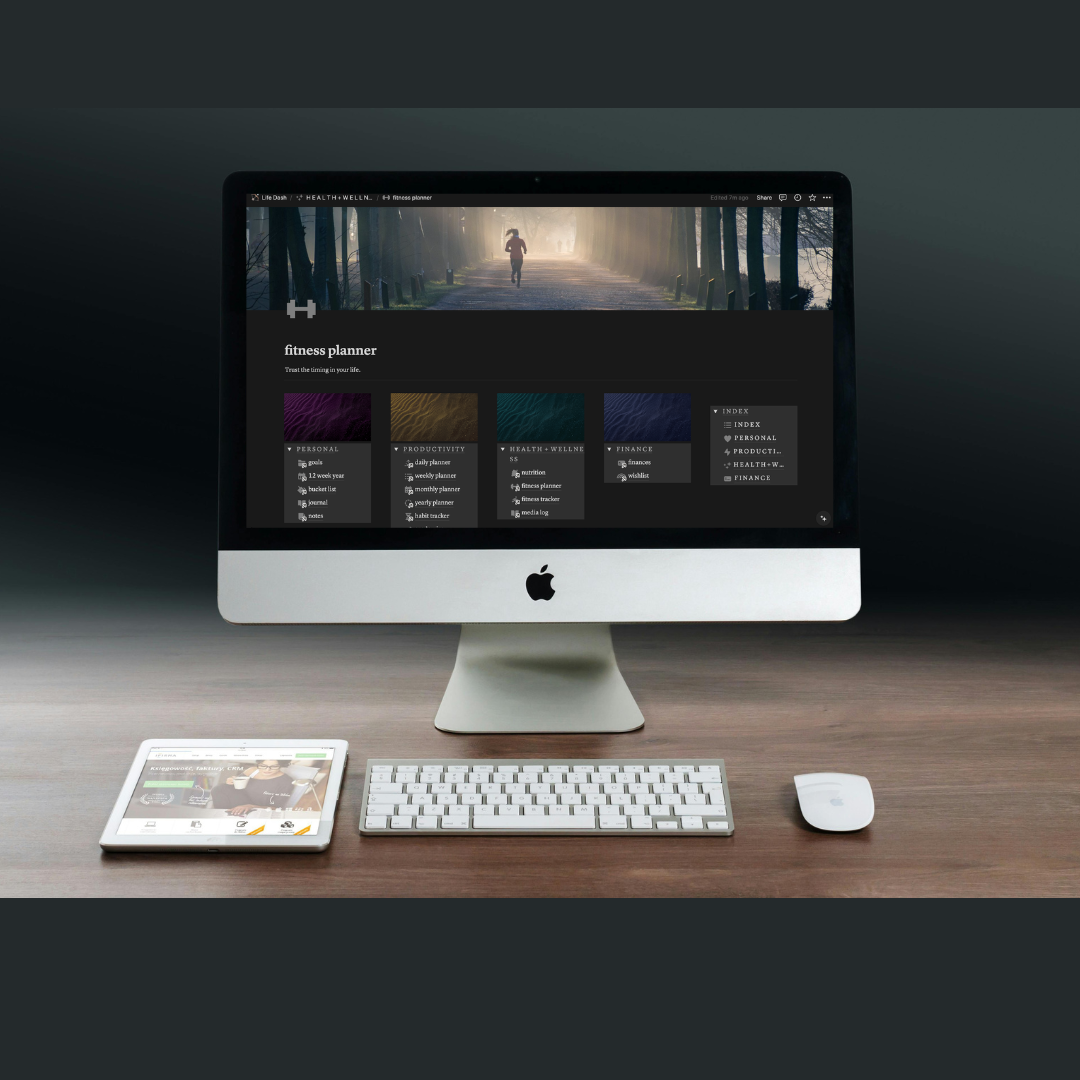
The aesthetic notion templates at Aligned Life Planners demonstrate how visual design elevates personal dashboards beyond functional tools into environments that inspire return visits and sustained engagement.
Work and Professional Dashboards
Professional dashboards require different architecture. They prioritize action items, deadlines, and collaborative visibility. Yet even in work contexts, beauty and clarity remain inseparable from effectiveness.
For those managing professional workflows, Notion's work dashboard templates offer frameworks for tracking key metrics and monitoring deadlines across team projects.
Hybrid Dashboards for Portfolio Lives
The most interesting dashboards belong to people living portfolio lives. Freelancers, creators, entrepreneurs, and anyone balancing multiple identity layers need dashboards that accommodate complexity without creating chaos.
These hybrid spaces might integrate:
Client project tracking alongside personal creative work
Income monitoring next to wellness metrics
Content calendars integrated with personal planning
Business development tasks flowing into learning goals
The key lies in creating clear visual separation while maintaining cohesive design language. Your eye should immediately understand which space you're entering within the dashboard ecosystem.
Building Blocks: Database Views That Drive Dashboards
Notion dashboard templates derive their power from database architecture. Understanding how different views function transforms your ability to customize any template effectively.
Gallery Views for Visual Thinkers
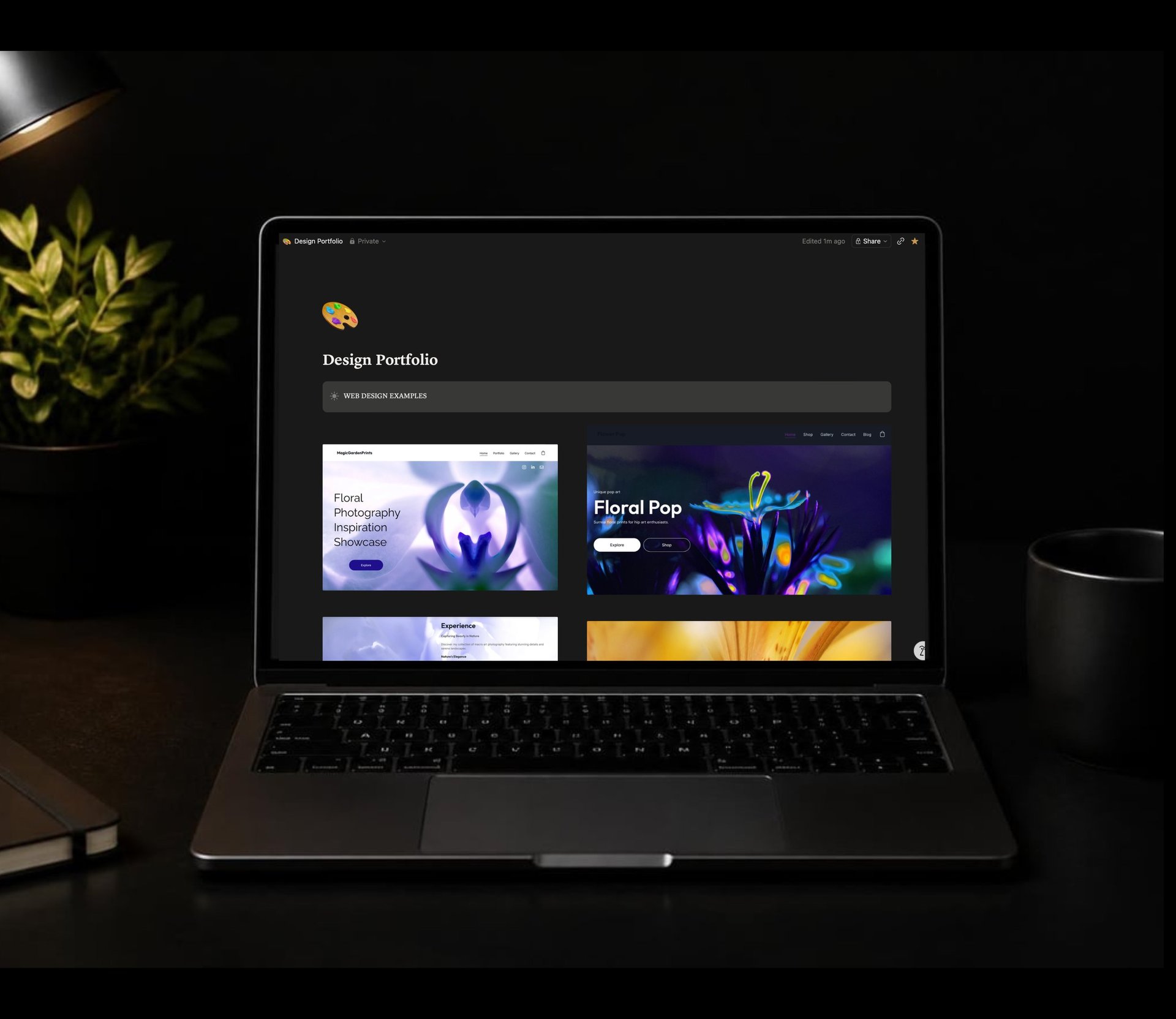
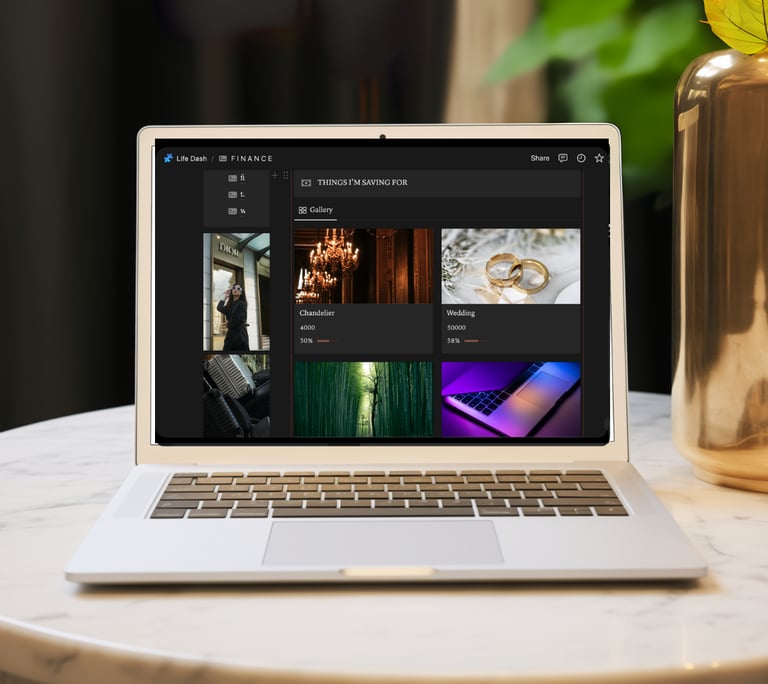
Gallery views transform database entries into visual cards. They excel for content planning, project portfolios, mood boards, and any context where imagery supports understanding. A gallery view on your dashboard might display current creative projects, upcoming events, or inspirational references.
Table Views for Detailed Analysis
When you need to see multiple properties simultaneously, table views provide clarity. Financial tracking, detailed project management, and comparative analysis benefit from this structured format. Tables work beautifully for reviewing progress across multiple dimensions.
Board Views for Workflow Management
Kanban-style boards visualize movement through stages. Whether tracking content from ideation to publication or managing projects from concept to completion, board views make progress tangible. On a dashboard, a condensed board view offers immediate status awareness.
Calendar Views for Time-Based Planning
Calendar views anchor abstract plans in actual time. They're essential for anyone managing deadlines, planning content, or coordinating events. A dashboard calendar view typically shows the current week or month, offering temporal context for daily decisions.
Customization Strategies That Preserve Design Integrity
Starting with professionally designed notion dashboard templates saves countless hours of trial and error. Yet personalization remains necessary for creating true alignment.
When to Customize and When to Trust Design
Beautiful templates reflect deliberate choices about spacing, color, typography, and information hierarchy. Before modifying these elements, spend time using the template as designed. Notice how the existing structure supports your workflow.
Customize when:
Specific databases don't match your actual needs
Your workflow requires additional views
You need integration with other Notion pages
Personal preferences strongly conflict with design choices
Preserve when:
The visual rhythm feels calming and clear
Information hierarchy guides you naturally
Color choices create emotional resonance
Spacing supports focus rather than distraction
The all-in-one notion planners demonstrate how comprehensive templates can accommodate diverse needs while maintaining cohesive aesthetic integrity throughout multiple interconnected pages.
Integration Approaches for Comprehensive Systems
Dashboards rarely exist in isolation. They connect to deeper systems, specialized trackers, archived projects, and reference materials.
Linking Databases Across Your Notion Workspace
The true power of notion dashboard templates emerges when databases link intelligently. A task database that connects to projects, clients, and goals creates multidimensional organization. You can view the same task through different lenses depending on your current context.
Effective database relationships include:
Tasks linked to projects and clients
Habits connected to wellness goals
Content pieces tied to platforms and campaigns
Learning resources organized by skill development areas
Financial transactions categorized by business ventures
These connections enable filtered views on your dashboard that update automatically as you work throughout your system.
Creating Quick-Capture Systems
The best dashboard includes effortless capture mechanisms. Whether it's a simple inbox database, a quick-add button, or an embedded form, reducing friction between thought and documentation ensures ideas don't slip away.
For those interested in organizing life with intention and clarity, quick-capture systems become essential tools for honoring fleeting insights without disrupting current focus.
Template Selection Criteria for Long-Term Use
Not all templates age well. Some delight initially but become burdensome within weeks. Others reveal their value gradually as you discover layers of thoughtful design.
Evaluating Template Sustainability
Before committing to any dashboard template, consider these questions:
Templates designed for self-discovery and reflection, like those exploring notion template habit tracking and self-discovery, often demonstrate greater longevity because they support evolving personal growth rather than fixed systems.
Free Versus Premium Template Considerations
Both free personal dashboards templates and premium options serve valuable purposes. Free templates offer experimentation without financial commitment, while premium templates typically provide more comprehensive design, detailed documentation, and ongoing support.
Premium templates justify their investment when they:
Save significant setup and design time
Include educational components that deepen Notion skills
Offer aesthetic cohesion across multiple interconnected pages
Provide customer support for customization questions
Come from designers with proven track records
The free aesthetic notion templates available from Aligned Life Planners demonstrate that accessible options can still embody thoughtful design principles and genuine utility.
Dashboard Maintenance Rhythms
Even the most elegant notion dashboard templates require occasional attention. Establishing maintenance rhythms prevents accumulation of outdated information and preserves system integrity.
Weekly Dashboard Review
Set aside fifteen minutes weekly to:
Archive completed projects and tasks
Update status indicators across databases
Remove outdated quick links or references
Refresh upcoming calendar events
Adjust priorities based on current reality
This brief investment maintains dashboard relevance and prevents the creeping chaos that undermines even well-designed systems.
Seasonal Dashboard Refresh
Quarterly or seasonal reviews offer opportunities for deeper evaluation. Your dashboard should evolve as your life shifts. What served winter's introspective energy might not match summer's expansive momentum.
During seasonal refreshes, consider whether your dashboard still:
Reflects current priorities and life season
Supports your actual workflow rather than ideal workflow
Creates visual pleasure when you arrive
Balances information with breathing room
Connects meaningfully to your broader Notion ecosystem
Accessibility and Neurodivergent-Friendly Design
Dashboard effectiveness varies based on individual cognitive patterns. What creates clarity for one person generates overwhelm for another.
ADHD-Friendly Dashboard Principles
For ADHD brains, dashboards benefit from:
Minimal visual clutter and clear information hierarchy
Color-coding that supports category recognition
Quick-access buttons that reduce navigation friction
Progress visualization that provides dopamine feedback
Simplified views that prevent decision paralysis
The most supportive templates acknowledge that beautiful design serves function. Every aesthetic choice should reduce cognitive load rather than simply decorating space.
Reducing Decision Fatigue Through Design
Your dashboard makes hundreds of micro-decisions for you through its structure. Where to look first. What matters today. How to access deeper information. When design handles these choices elegantly, you preserve mental energy for work that actually requires your unique thinking.
Templates from Aligned Life Planners prioritize this relationship between beauty and cognitive ease, recognizing that thoughtfully designed environments don't just look better, they function better for sustained engagement.
Advanced Dashboard Features for Power Users
Once basic dashboard functionality feels natural, advanced features unlock additional possibilities.
Automated Progress Tracking
Notion's formulas and rollup properties enable dashboards that update automatically. Completion percentages, streak counters, time-since-last-update indicators, and averaged ratings all calculate without manual input.
Powerful automation examples:
Habit streak counters using date formulas
Project completion percentages based on subtask ratios
Monthly financial summaries rolling up from transaction databases
Content performance metrics aggregating from platform analytics
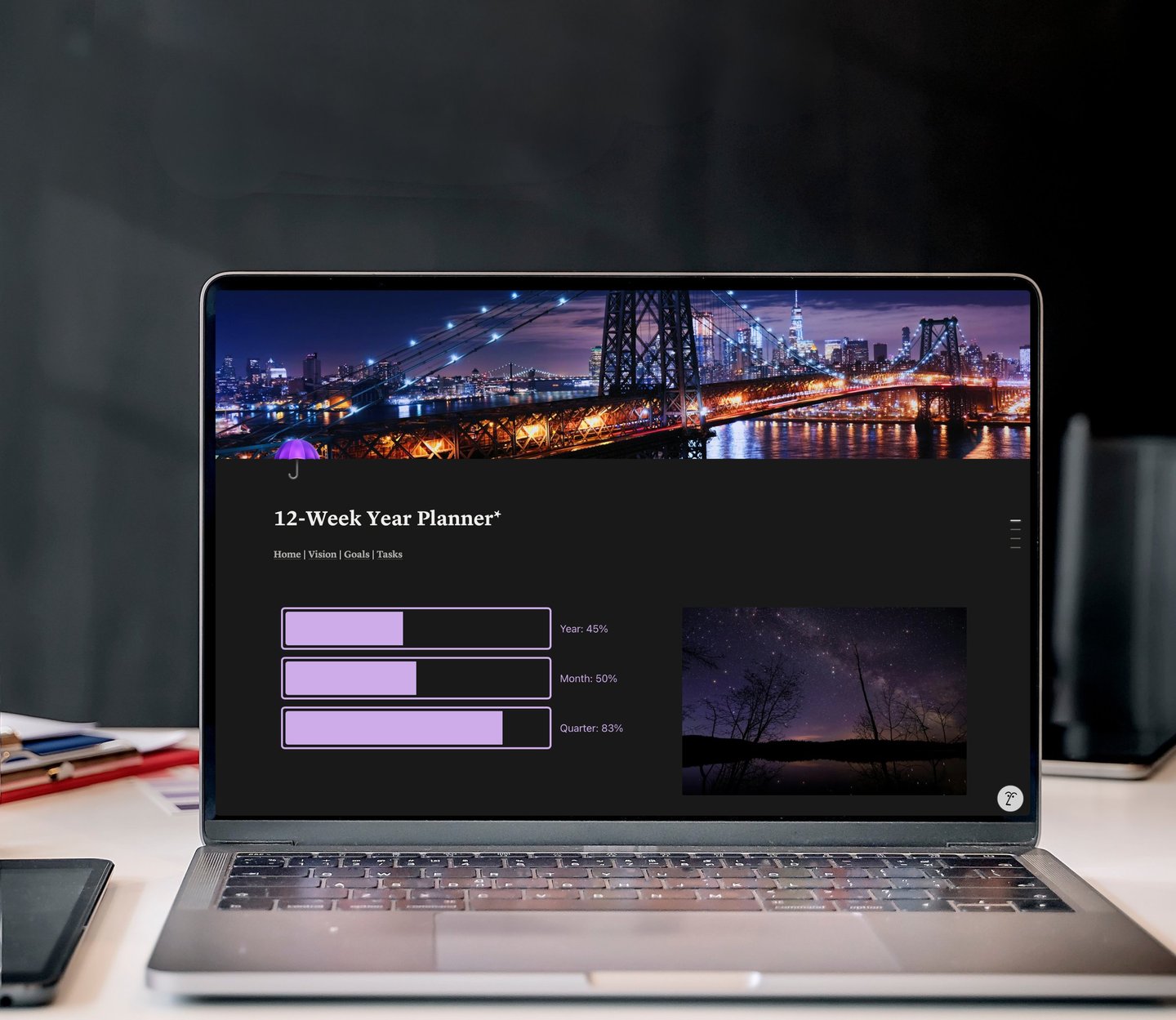
Goal progress visualization tracking milestone completion
Dashboard Widgets and Embedded Content
Modern dashboards extend beyond native Notion features through embedded widgets. Weather displays, motivational quotes, calendar integrations, and live metrics from external platforms create richer environmental experiences.
The key remains intentionality. Each embedded element should serve your workflow meaningfully rather than simply adding visual interest.
The Psychology of Digital Environments
Your dashboard isn't neutral territory. It shapes how you feel about planning, influences your relationship with productivity, and either supports or undermines your sense of capability.
Creating Spaces You Want to Inhabit
The reason aesthetic quality matters extends beyond superficial preference. Beautiful, thoughtfully organized spaces invite return. They communicate that your time, your goals, and your inner world deserve care and attention.
When your dashboard feels like a space designed for you rather than a generic productivity tool, you're more likely to engage consistently. That consistency, more than any specific organizational system, determines whether your plans translate into lived experience.
This philosophy drives the design approach behind notion planning resources, which emphasize that planning systems should feel like supportive environments rather than demanding taskmasters.
Balance Between Structure and Flexibility
The most sustainable notion dashboard templates hold structure lightly. They provide clear organization while accommodating life's inevitable messiness. Rigid systems break under pressure. Flexible systems bend and adjust.
Your dashboard should feel like a home base rather than a cage. It offers clarity when needed while permitting spontaneity, creativity, and the beautiful unpredictability of being human.
The right dashboard template transforms Notion from powerful tool into supportive environment, creating a digital space that reflects both who you are and who you're becoming. Whether you're drawn to comprehensive planning systems or focused tracking tools, the template you choose shapes your daily relationship with organization, clarity, and intentional living. Aligned Life Planners creates beautifully designed Notion templates that honor this connection between aesthetic environment and sustainable practice, offering thoughtfully curated systems that simplify planning while supporting genuine self-discovery.